
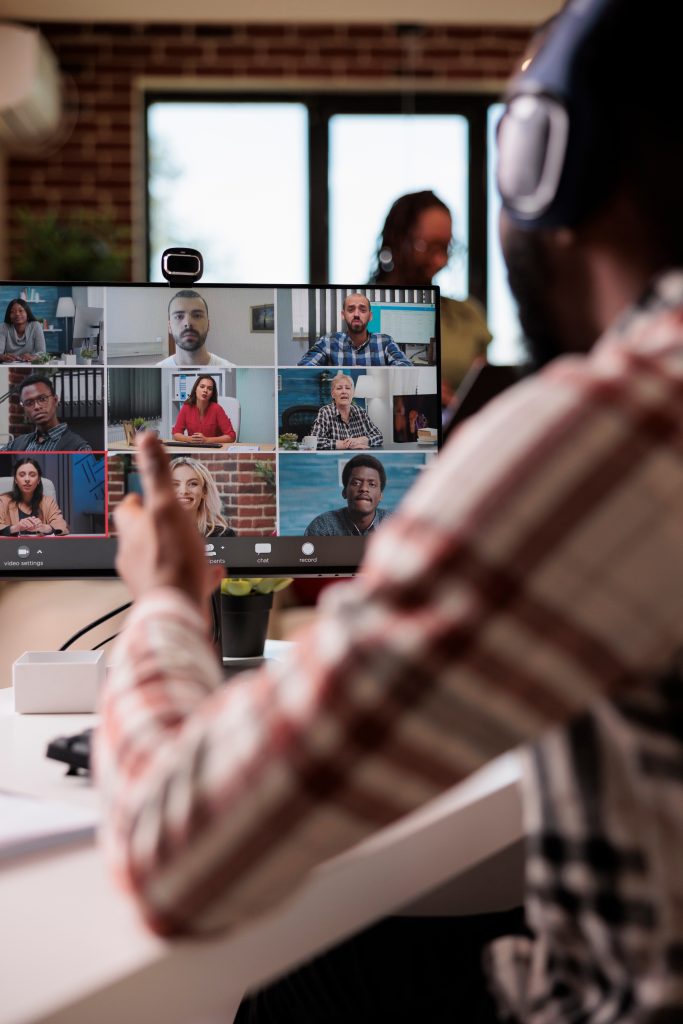
What are DataComm Video Conferencing Solutions?
DataComm Video Conferencing Solutions bring together cloud video platforms and room hardware to deliver a consistent, high-quality meeting experience—whether you standardize on RingCentral, PolyCom, or Mitel.
With DataComm, you can:
- Build a cloud-based video meeting experience with RingCentral
- Deploy PolyCom room systems and devices that integrate with your chosen platform
- Leverage Mitel video and collaboration in environments anchored on Mitel UC
- Get design, deployment, and ongoing management from one partner
Instead of juggling different apps and ad hoc room setups, you get a planned, supported video conferencing environment built for hybrid work.
Why do organizations choose DataComm Video Conferencing Solutions?
Video is now a core part of everyday work:
- Hybrid teams rely on video for internal collaboration and customer meetings
- Poor audio/video quality undermines productivity and perception
- DIY room setups are hard to support at scale
- IT teams don’t have time to constantly troubleshoot devices and platforms
DataComm helps you standardize on the right platform and hardware for Video Conferencing—RingCentral, PolyCom, or Mitel—and keeps it running smoothly.
How DataComm Video Conferencing Solutions work
We start with how your users meet and collaborate, then design around that.
Assess & Plan
We begin by understanding your environment:
- – Current video tools (RingCentral, Mitel, other meeting apps)
- Types of meetings: internal, external, webinars, training, customer demos
- Room inventory: huddle rooms, conference rooms, boardrooms, training spaces
- Network readiness, bandwidth, and security requirements
From there, we recommend a RingCentral-, PolyCom-, or Mitel-based approach, aligned with your broader communications strategy.
Design the Solution
Next, we design a solution that fits your users:
- Platform choice: RingCentral Video, Mitel video/collaboration tools, or platform-agnostic rooms using PolyCom
- Room standards: hardware, cameras, microphones, and displays by room type
- User workflows: how users schedule, join, and share content
- Interoperability: support for guests and external meeting platforms where appropriate
You end up with a clear, scalable blueprint for video across your organization.
Deploy & Drive Adoption
We implement with a focus on reliability and ease of use:
- Configure RingCentral and/or Mitel video settings as needed
- Deploy PolyCom room systems, cameras, and audio devices
- Integrate with calendars and existing identity systems
- Train users and provide quick-start guides for rooms and apps
Our goal: users trust the rooms and apps to “just work.”
Manage, Support & Optimize
After go-live, DataComm continues to support you:
- Monitor room health and ticket trends
- Adjust policies, layouts, and configurations as needs change
- Help onboard new rooms and locations using established standards
- Keep an eye on network and performance issues tied to video
You get a long-term partner for video, not just a one-time install.

Option 1: RingCentral Video Conferencing with DataComm
A cloud-first video platform for organizations standardizing on RingCentral.
When RingCentral fits best
- You already use or plan to use RingCentral for cloud communications
- You want a single app for phone, messaging, and video
- Your users are distributed across offices, home, and mobile
What RingCentral Video provides
Capabilities depend on your licensing; we help you choose.
- HD video meetings with screen sharing and chat
- Scheduled and instant meetings from desktop, mobile, or browser
- Integration with calendars (e.g., Outlook, Google)
- Simple join experience for internal and external participants
DataComm designs and configures your RingCentral video policies, settings, and workflows so meetings are consistent and predictable.

Option 2: PolyCom Video & Room Solutions with DataComm
PolyCom (Poly) provides the systems and devices that make meeting spaces work.
When PolyCom fits best
- You want high-quality audio and video hardware for conference rooms
- You need room systems that can join multiple platforms (e.g., RingCentral, other cloud services) where supported
- You care about standardized, repeatable room designs across sites
What PolyCom can provide
Exact capabilities depend on model and configuration.
- Room systems for huddle, midsize, and large conference rooms
- Cameras, microphones, and speaker solutions tuned for meeting spaces
- Touch panels and controls for easy one-touch join (where supported)
- Integration with supported cloud video platform
DataComm designs, installs, and supports PolyCom-based room standards, so users have a familiar experience in every room.

Option 3: Mitel Video & Collaboration with DataComm
A Mitel-aligned video experience for organizations anchored on Mitel UC.
When Mitel video fits best
- You already use Mitel for calling/UC and want to stay in that ecosystem
- You want video and collaboration features aligned with Mitel users and directories
- You prefer tight integration with existing Mitel workflows
What Mitel video and collaboration can provide
Capabilities depend on your specific Mitel platform and licensing.
- Video sessions integrated with Mitel voice and presence
- Screen sharing and collaboration features for internal teams
- A unified experience for Mitel users across voice and video
DataComm helps you design and implement Mitel-based video as part of your overall Mitel environment.
How DataComm supports Mitel Contact Center
- Design of call flows, queues, and integration with existing Mitel UC
- Deployment and migration from legacy Mitel or non-Mitel systems
- Training for agents, supervisors, and admins
- Ongoing support, optimization, and roadmap planning within the Mitel ecosystem
Key capabilities across DataComm Video Conferencing Solutions
Regardless of whether you choose RingCentral, PolyCom, or Mitel, we focus on:
Consistent meeting experience
- Standard join flows for internal and external participants
- Clear policies for meeting hosts and attendees
- Simple workflows for scheduling, joining, and sharing content
High-quality audio and video
- Properly chosen and positioned cameras, microphones, and speakers
- Network and QoS recommendations to support voice and video
- Room-specific tuning to reduce echo and background noise
Room and remote parity
- Room systems that work well with laptops and mobile endpoints
- A consistent experience for in-room and remote participants
- Layouts and configurations that keep everyone engaged
Managed by DataComm
- Design, deployment, and vendor coordination (RingCentral, PolyCom, Mitel)
- Moves/adds/changes for rooms, users, and policies
- Ongoing troubleshooting and optimization
What you get with DataComm Video Conferencing Solutions
A typical engagement includes:
Who are DataComm Video Conferencing Solutions for?
These solutions are a strong fit if:
- You have a mix of office, remote, and hybrid workers
- Your meeting experience varies widely from room to room
- You’re consolidating onto RingCentral, PolyCom room standards, or Mitel UC
- IT wants a unified, supportable video strategy rather than scattered setups
USE CASES
Explore the Possible Applications of Video Conferencing
RingCentral Video for a Hybrid Workforce
You’re moving to RingCentral for cloud communications:
- DataComm configures RingCentral video settings and meeting policies
- Users join meetings from the RingCentral app on desktop and mobile
- Selected rooms get PolyCom hardware that integrates with your chosen platform
PolyCom Standardized Rooms
You have many conference rooms with inconsistent equipment:
- DataComm designs standard PolyCom-based kits for huddle, medium, and large rooms
- Rooms get consistent cameras, mics, and controls across sites
- IT has a repeatable model for expansion and support
Mitel-Centric Video Environment
You’re heavily invested in Mitel UC:
- DataComm designs Mitel video and collaboration workflows around your Mitel users
- Video becomes a natural extension of your existing Mitel deployment
- Internal meetings use Mitel-based tools aligned with voice and presence
FREQUENTLY ASKED QUESTIONS
Common questions
Most organizations benefit from choosing a primary platform (RingCentral or Mitel) and pairing it with standardized PolyCom room solutions where needed. DataComm will help you decide what makes sense for your environment.
In many cases, yes—depending on the specific PolyCom hardware and supported integrations. We’ll design rooms based on the platforms you host or attend most often.
DataComm can help you determine the right licensing levels for RingCentral or Mitel video and plan for growth as usage increases.
Often we can reuse displays, cabling, or certain devices if they’re compatible and in good condition. During assessment, we’ll identify what to keep and what to refresh.
Next steps
To tailor DataComm Video Conferencing Solutions to your organization, we recommend documenting:
- The video tools you use today (and where they cause friction)
- The number and types of rooms you need to support
- Your preferred direction: RingCentral, PolyCom room standards, or Mitel
Ready to harden your network against active threats?
Schedule a Video Conferencing strategy session with DataComm to design a RingCentral-, PolyCom-, or Mitel-based solution that delivers reliable, high-quality meetings for your entire organization.